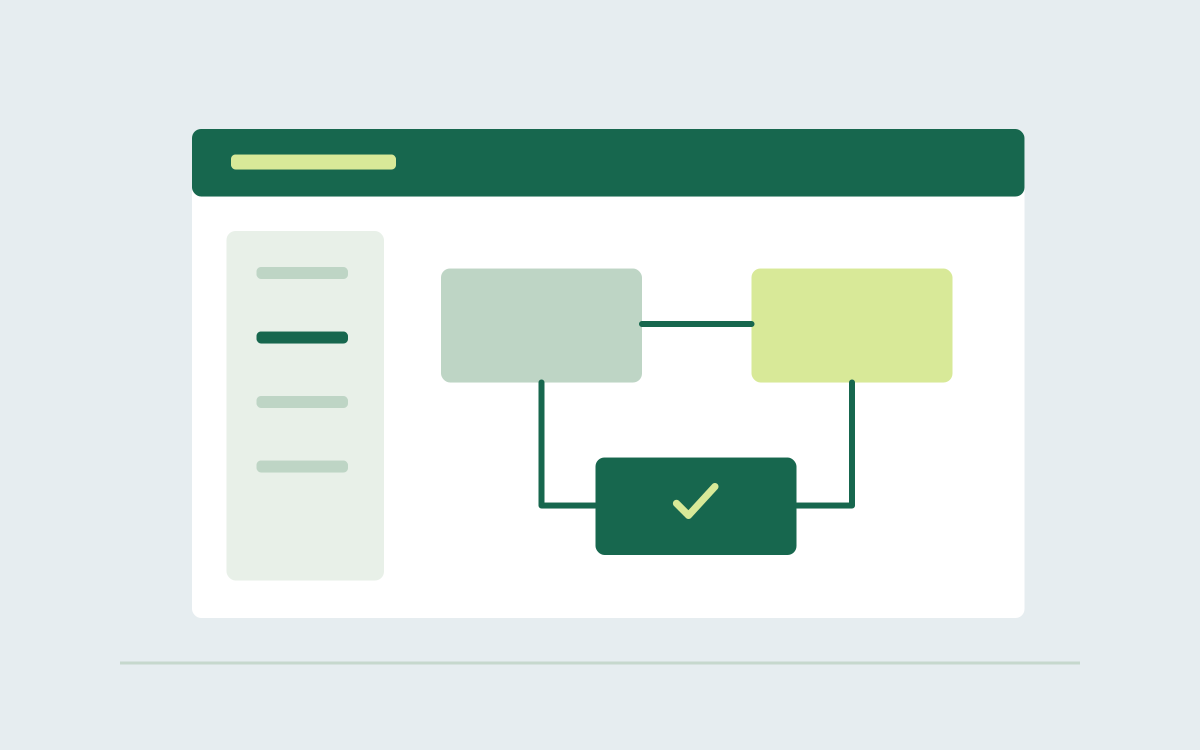
A SaaS solution page should connect a real customer job with the product’s actual workflow, requirements and limits. Explain what the software does and what must be in place to use it. A clear fit decision is more useful than a page that repeats broad productivity promises without showing how the work happens.
- Customer: job and current obstacle
- Product: workflow and capabilities
- Customer: systems and constraints
- Product: requirements and next step
Choose a job with a distinct answer
Define the task the prospective customer needs to complete. A solution page might explain an approval workflow, a reporting task or a specific operational use. It should describe more than an audience label. Replacing the industry name on an otherwise identical page rarely gives a visitor the information needed to evaluate whether the software fits their work.
Check that the product actually supports the job as described. The relevant capability may depend on a plan, integration or configuration. Confirm those details with the product team before drafting. If the page is describing a future feature, it needs an accurate status and an appropriate next step rather than language that presents planned functionality as currently available.
Show the workflow in useful detail
Explain what starts the task, what information enters the product and what happens next. A prospective customer should understand the main steps without requiring an account merely to discover the basic process. Include screenshots only when they represent the actual product and are approved for use. An original diagram can explain the relationship when a screenshot would reveal irrelevant interface detail.
Keep the description focused on the chosen job. A long feature inventory can obscure the workflow just as easily as vague benefits. Connect each capability to the decision it supports. If the product requires another system or an existing data source, explain that dependency where it affects the reader’s assessment rather than leaving it for a later sales conversation.
Use the solution-page worksheet
| Page element | Information to verify |
|---|---|
| Customer job | The task and the current obstacle |
| Starting requirements | Data, permissions, systems or plan needed |
| Workflow | The meaningful steps the product performs |
| Output | What the customer receives or can do afterward |
| Limits | Constraints, exclusions and conditions affecting suitability |
| Evidence | Accurate examples, product views or authorized customer material |
| Next step | Trial, demonstration, documentation or inquiry appropriate to the job |
Use the worksheet with a product reviewer. It helps distinguish an ordinary copy edit from a claim that changes the offer. The reviewer should check that plan names, integrations and workflow behavior are current. Maintain those details from an agreed source so the solution page does not drift away from documentation or the product’s actual capabilities.
Distinguish examples from customer evidence
A hypothetical workflow can make the product easier to understand. Label it as illustrative and avoid inventing a company, result or endorsement that appears real. If using an actual customer example, confirm publication permission and preserve the relevant context. A result achieved under one set of conditions does not establish what every prospective customer will experience.
Be equally careful with numerical claims. A general statement that software saves a particular amount of time needs support. When evidence is unavailable, show the steps that can be consolidated and let the reader evaluate their own process. Concrete workflow detail can be persuasive without a fabricated performance figure or a decorative upward chart.
Choose the next action around readiness
Some readers need documentation to confirm a technical requirement. Others may be ready for a demonstration or trial. Provide the action that follows from the page’s answer, with a clear label and a usable phone experience. Avoid placing several equally prominent actions in every paragraph. A visitor should understand what each option provides before selecting it.
An illustrative page about invoice approval could explain the submission, review and decision steps, the required integration and the output available to finance staff. Its useful next step might differ from a page aimed at developers assessing an API. The page plan should reflect that difference rather than applying the same generic conversion instruction to every product task.
Review the page when the product changes
Connect content review to releases that affect the workflow or requirements. Identify which solution pages mention a changed feature, and review the examples as well as the headline. A page can become inaccurate even if its broad promise still sounds plausible. Keep the responsible reviewer and source record available to the publishing team.
Use the B2B content plan to avoid overlapping pages and the content approval process to manage product review. For outside support, explore SEO agency services and request a quote with the product task, source materials and approval responsibilities clearly defined.