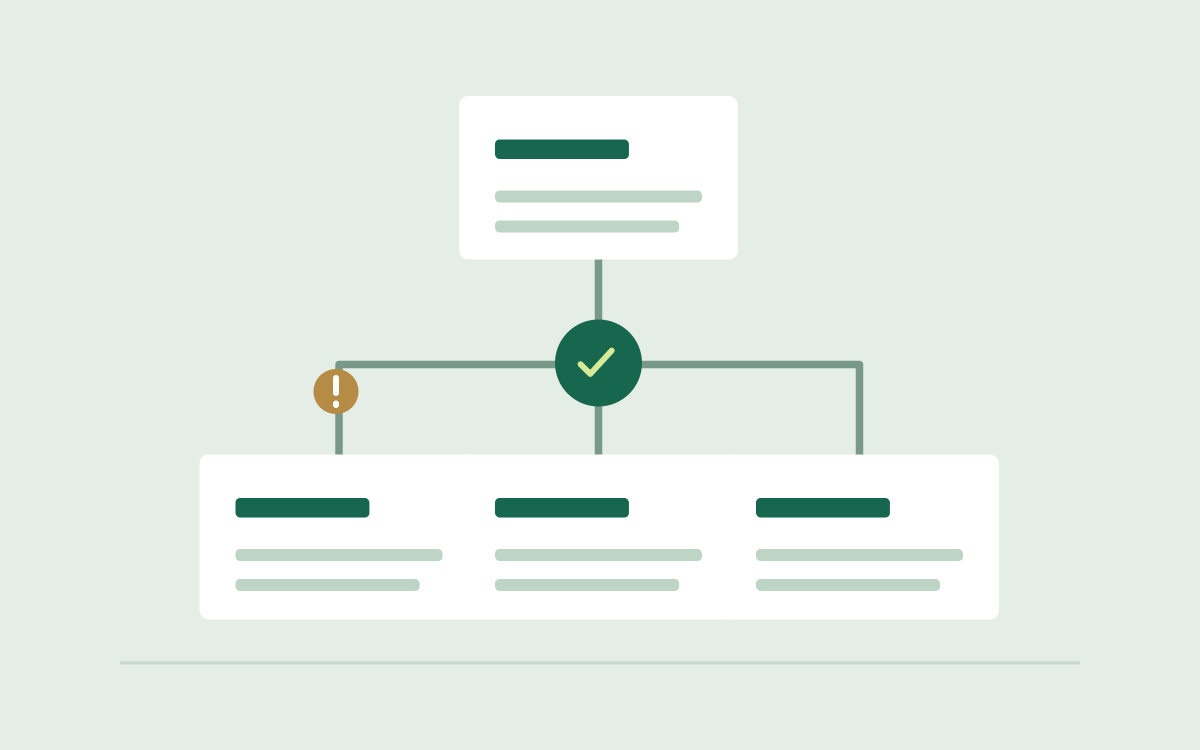
A useful ecommerce category page groups products around a real buying decision and helps shoppers narrow the choice. Define the category’s purpose before adding copy. Product selection, navigation, filters and buying information should work together rather than compete with a large block of unrelated text.
- Identify the product need
- Show a coherent product group
- Explain meaningful differences
- Reach a suitable product
Define what belongs in the category
Describe the customer’s need and the range of products that answer it. A category should have a recognizable boundary. If its products are grouped only because an internal system happens to store them together, shoppers may struggle to understand the selection. Review the grouping with merchandising and sales before treating missing text as the main SEO problem.
Distinguish a broad category from a specific product question. The category helps a shopper compare options; a product page provides the details needed to assess a particular item. Both can be useful without duplicating the same content. Write a short purpose statement that explains what a visitor can decide after using the category page.
Identify the differences that matter
List the characteristics shoppers use to narrow the range: compatibility, size, material, application or another relevant distinction. Use product knowledge and customer questions rather than inventing filters for every available attribute. A filter is useful when it makes the choice easier and the underlying product data is accurate enough to support it.
Review terminology as well. A customer may use a familiar product term while the catalog uses an internal code. The page can connect those concepts clearly without filling every heading with variants. Explain necessary technical language at the point where it affects the choice. The content should help a shopper act, not merely display vocabulary associated with the category.
Build the category brief
| Brief field | Practical decision |
|---|---|
| Shopper task | What choice does the category help complete? |
| Product boundary | Which items belong and which belong elsewhere? |
| Comparison attributes | Which differences materially affect suitability? |
| Navigation | How is the category reached from related pages? |
| Buying information | What needs explaining before a product is selected? |
| Product states | How are unavailable, replaced or discontinued items handled? |
| Review owner | Who confirms the grouping and technical accuracy? |
Use the brief to coordinate merchandising, content and development. A writer cannot repair incorrect compatibility data by adding persuasive paragraphs. A developer cannot choose the right category boundary without business input. Assign each decision to the person with the relevant knowledge, then combine the work into a page that supports the complete buying journey.
Keep important content close to the choice
Place a concise explanation where it helps orient the shopper. More detailed buying advice can follow the product range or appear in a clearly labeled section. Avoid forcing people through a long introduction before they can inspect products. The right arrangement depends on how much explanation the category requires and how customers typically compare the available options.
Useful content might explain applications, limitations or a confusing product distinction. Generic promises about quality add less value when the product range already makes that claim everywhere else. Review whether each paragraph changes a buying decision. If the material answers a substantially different research task, a linked guide may serve it better than expanding the category indefinitely.
Check the navigation and URL rules
Ensure the category has a clear place in the store’s navigation and relevant links from related sections. Review the way filtering and sorting create URLs with the platform team. Google’s ecommerce URL guidance addresses consistent URL design. Apply those principles to the actual platform rather than making broad changes without understanding catalog behavior.
Test a representative phone journey from the store’s entry point to the category and then to a useful product. Check that labels remain readable, filters are usable and unavailable products do not dominate the path. The test should reflect a shopper’s task. A technically valid category URL can still present a frustrating selection process.
Work through an illustrative example
A replacement-parts category might need to group items by equipment family, then explain compatibility before a shopper chooses a part. The brief would identify who verifies the compatibility data and what happens when an old model is replaced. A long generic article about maintenance would not substitute for those details, even if it contained many related search terms.
The acceptance check could confirm that the category boundary is accurate, the relevant product attributes are present and the path to a suitable item works on a phone. Review discontinued product handling for changing inventory and content approval for expert review. To scope store improvements, compare ecommerce SEO services or request a quote with the catalog priority described.