Handle discontinued product pages according to the product’s actual state and the customer’s remaining need. Temporary stock gaps, permanent retirement and a genuine replacement are different decisions. Preserve useful information where it still helps, and avoid sending every retired product to an unrelated category or homepage.
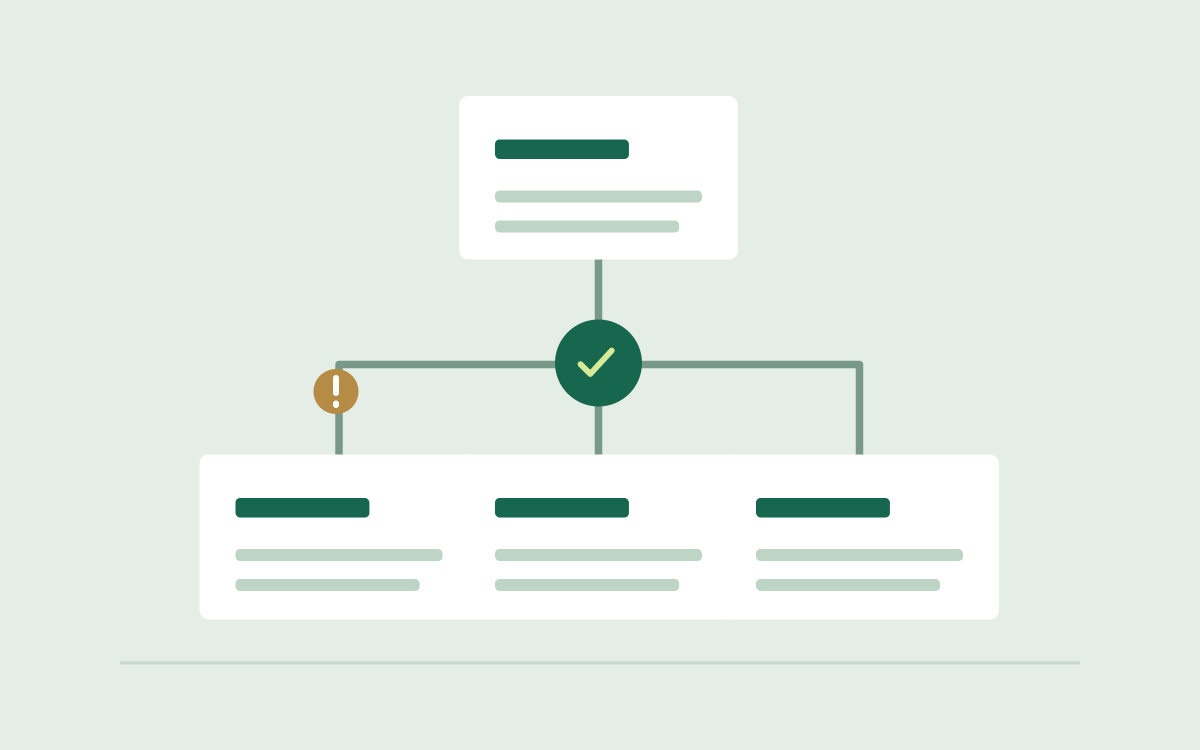
- What has changed about the product?
- Temporary gap: explain the current state
- Replacement exists: assess real equivalence
- No successor: decide what remains useful
Confirm the product state first
Ask merchandising or the supplier whether the item is temporarily unavailable, permanently discontinued or being replaced. Do not let a missing stock value automatically make that business decision. A product can disappear from inventory because of a data feed problem, a seasonal pause or a genuine retirement. The website’s behavior should follow the confirmed state.
Record who can update the decision when circumstances change. A temporary message can become misleading if it remains indefinitely. A replacement product may have different compatibility or specifications. Keep those distinctions visible in the working record before choosing whether to retain the page, change its information or route visitors to another destination.
Identify the need behind the visit
A visitor may be trying to buy the item, check compatibility, find instructions or identify a replacement. Those tasks can remain useful after the original product is no longer sold. Review the information on the page and the role it plays in the customer journey. Retaining a page can be appropriate when it still answers a real need accurately.
Do not preserve a misleading purchase experience merely because the old URL has traffic. A page that looks available but cannot lead to a useful next step wastes the visit. Explain the confirmed product state and provide relevant options where they exist. The customer should not need to discover the retirement only after attempting to complete a purchase.
Use the product-state worksheet
| Product state | Decision to assess |
|---|---|
| Temporarily unavailable | What accurate availability information and alternatives can be shown? |
| Replaced by a genuinely equivalent item | Does the replacement answer the old customer’s need? |
| Retired but still useful for reference | Which specifications, instructions or compatibility details remain valuable? |
| Retired with no useful successor | What response and navigation best explain the situation? |
| Uncertain state | Who must confirm the facts before a permanent change? |
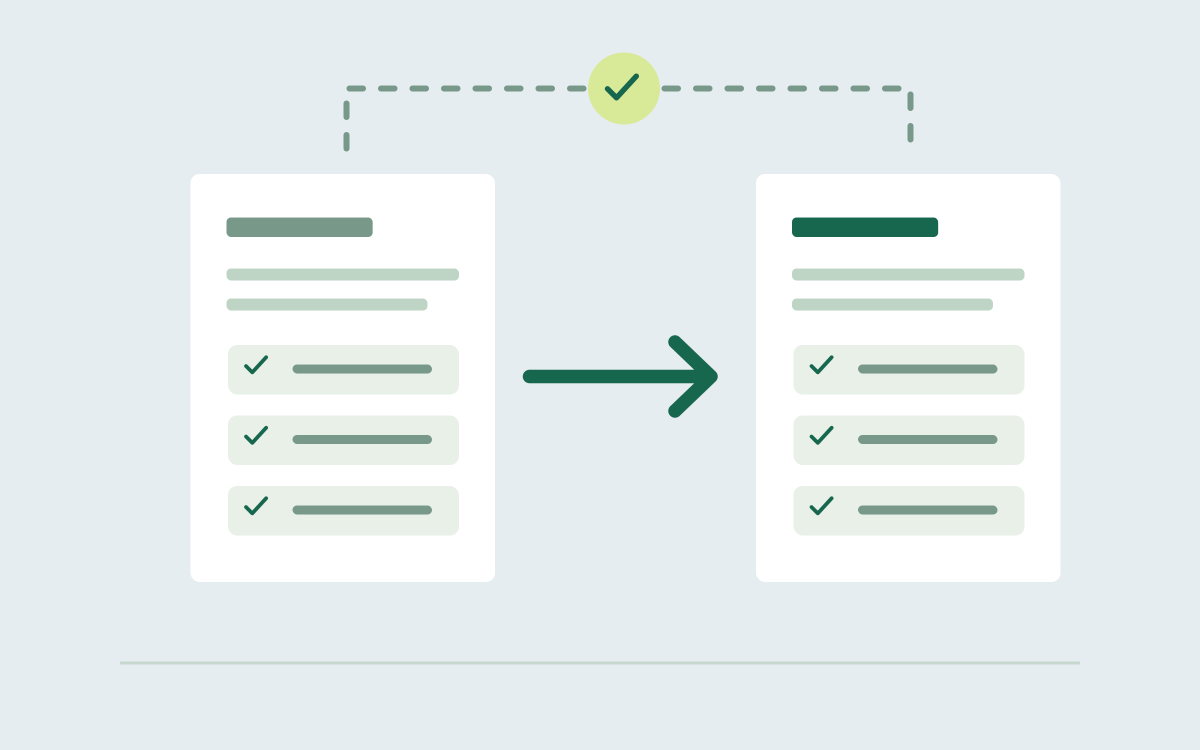
Add the original URL, responsible person and intended acceptance check to each row in the actual register. Review decisions with merchandising and the platform team. The worksheet is a way to organize judgment, not a universal redirect rule. A suitable choice for a simple consumer product may be wrong for a specialist component with long-term reference value.
Evaluate replacements carefully
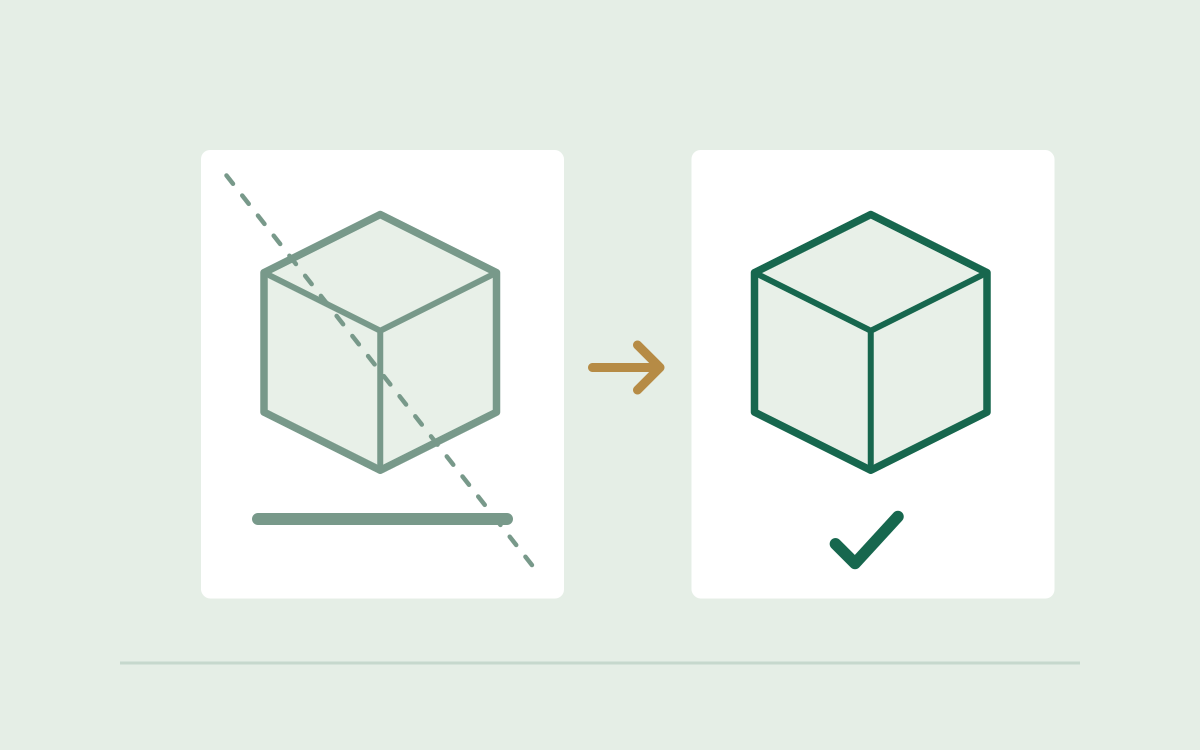
A newer item is not automatically an equivalent replacement. Check function, compatibility, dimensions and any other material differences. Where a visitor needs to compare those differences, retaining useful context may be better than an unexplained jump to the new page. The business should approve the wording so a search visit does not create an inaccurate compatibility promise.
If a URL change is appropriate, include it in a deliberate destination plan. Google’s site-move documentation describes handling changed URLs. Coordinate redirects with internal navigation, product feeds and relevant category pages. A technically working redirect still needs a destination that makes sense for the customer who used the old address.
Keep the catalog journey coherent
Update the category and internal links alongside the product page decision. A category dominated by unavailable products can frustrate shoppers even if every individual page is technically valid. Decide how active alternatives are presented and whether reference products belong in the same browsing view. The catalog should help a shopper distinguish what can be bought from what is retained for information.
Check important variations and related items as well. A discontinued size may not require the same treatment as an entire product family. Shared template rules should preserve those exceptions. Ask the platform team how the state is represented in the data model, so a manual content decision is not overwritten by the next inventory update.
An illustrative replacement decision
Imagine an older component replaced by a new model that fits only some of the original equipment. The useful page would not simply claim that the new model is the same. It would explain the retirement, identify the compatibility question and lead to verified replacement information or an appropriate inquiry. The exact handling depends on the platform and the business’s product obligations.
Test the released journey from the old URL and from the relevant category. Confirm that the visitor sees accurate information and reaches a meaningful next step. Use the category planning guide for the surrounding navigation and the migration checklist for URL changes. For a catalog-wide review, request an SEO quote describing product states and platform constraints.