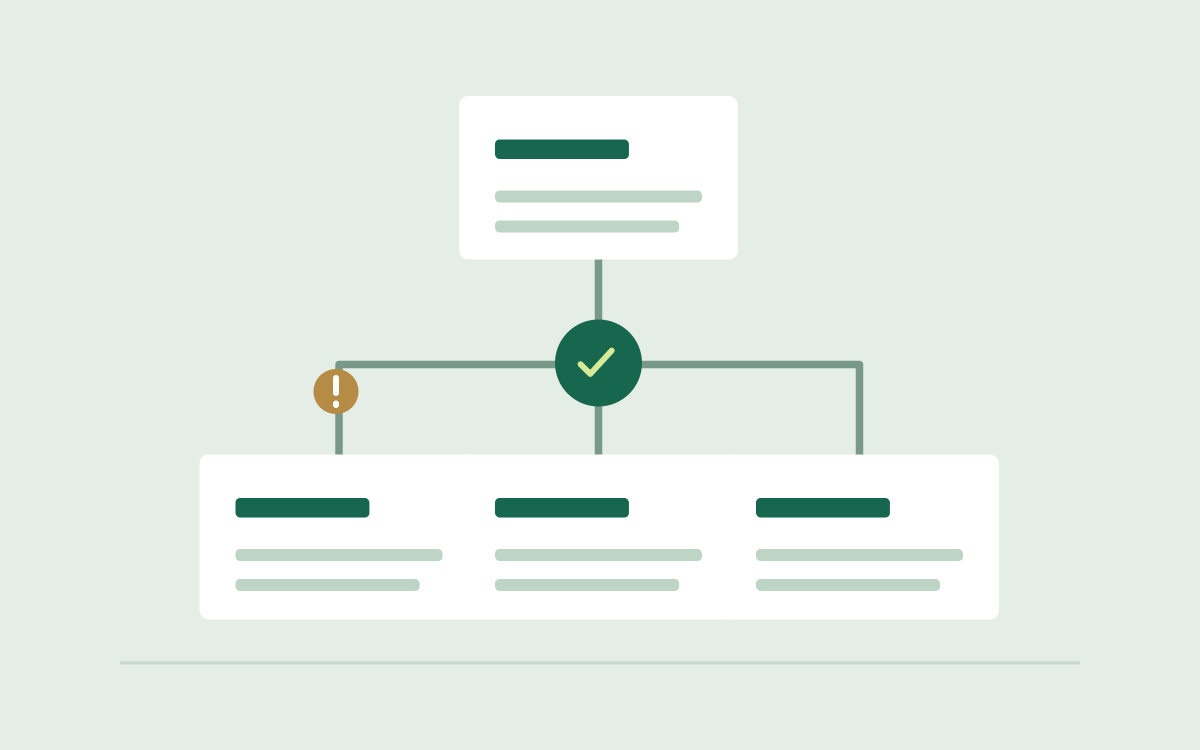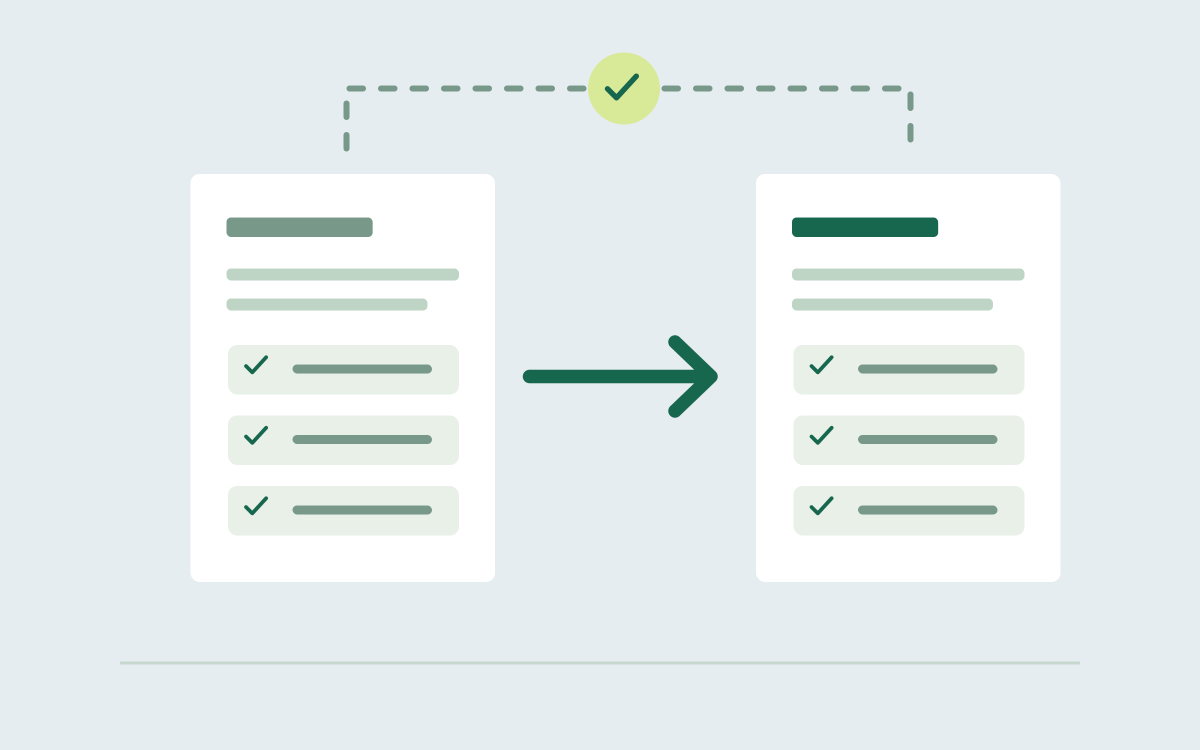
A website migration needs an inventory of valuable pages, a destination plan and checks on the released customer journeys. Decide what is staying, changing or being retired before launch. Assign responsibility for redirects, content, navigation and post-launch review so important details do not fall between suppliers.
- Before build: inventory and destination plan
- Before launch: test content and journeys
- At release: verify redirects and public access
- After launch: inspect issues and correct causes
Inventory the pages worth preserving
Gather current URLs and identify the pages that serve important customer tasks. Include relevant services, product categories, useful guides and contact paths. Use available search, sales and business information to judge value rather than relying only on a crawler’s list. A low-traffic specification page may still be essential during a complex purchase.
Record what each page does, who owns its information and whether its purpose will remain. Distinguish a design change from a change of content or URL. These decisions affect the work required. If several suppliers are involved, agree one inventory that all teams can reference so a content editor and developer do not build from different assumptions.
Map destinations before URLs change
For each page being moved, identify its appropriate replacement. Avoid sending every retired URL to the homepage when that does not answer the old visitor’s need. A useful destination preserves the relevant task where a replacement exists. If a page has no meaningful successor, document the decision rather than inventing a misleading equivalent merely to fill the map.
Google’s site-move guidance covers URL mapping and migration handling. Use that guidance with the actual hosting and platform capabilities. A migration plan should name who implements the redirect rules, who reviews the destinations and how the released behavior will be tested, including any unintended redirect chains or loops.
Use the migration register
| Page decision | Record before launch |
|---|---|
| Keep | Current URL, purpose and content owner |
| Move | Old URL, final destination and redirect responsibility |
| Merge | Material retained and the page that now answers the task |
| Retire | Reason, replacement if meaningful and expected response |
| Add | New purpose, approved content and navigation route |
| Verify | Customer journey and post-release observation |
Keep the register manageable by grouping shared templates while retaining important exceptions. A product catalog may contain a large number of URLs, but category rules, product states and special cases often determine the main migration work. Test representative examples from each meaningful group. A single homepage check cannot establish that the rest of the migration behaves correctly.
Check the website before release
Review important page content, titles, navigation and the routes to inquiry or purchase in the staging environment. Confirm that approved information survived the move and that forms point to the intended destination. Check phone layouts and large text. A website that looks correct in a wide desktop screenshot may still obstruct the customer action that matters most.
Assign someone to review indexing controls and production configuration at release. A private staging environment may intentionally restrict access; the public website needs the intended public behavior. Conversely, private areas must remain protected. Keep these decisions explicit rather than relying on a broad last-minute instruction to remove every restriction from every route.
Rehearse a representative journey
Consider an illustrative service company moving an old maintenance page into a new service section. The rehearsal starts at the old URL, reaches the relevant new page, checks that the service scope is intact and submits a controlled inquiry through the real form. The acceptance record distinguishes a successful local test from a confirmed live inbox receipt.
Repeat the logic for a product category, a useful guide and another distinct template. The point is to exercise different behavior, not create an unnecessarily large checklist of near-identical pages. Include the pages that carry important business information and any templates with complicated rules. Record defects with a clear owner and a decision about whether they block launch.
Treat launch as a checkpoint
After release, verify the actual public origin, important redirects, assets and customer actions. Review available search tools for observations over time, while keeping indexed status separate from a successful live page test. A migration can cause changes that need investigation; do not assume either immediate failure or guaranteed stability from one early performance snapshot.
Preserve a rollback plan appropriate to the release and the systems involved. Keep the technical priority sheet available for defects and the access handover register for supplier responsibilities. When outside support is needed, request a quote that explicitly covers migration planning, implementation and post-launch verification.