An SEO audit becomes useful when each important finding has a business consequence, a responsible owner and a way to verify the fix. Group related symptoms into a manageable backlog. Resolve critical customer journeys and shared template problems before treating every flagged URL as a separate project.
- Describe the observed issue
- Choose the owner and dependency
- Implement on the right template
- Verify the customer journey
Read findings as observations, not automatic priorities
An audit can contain hundreds of rows without identifying hundreds of equally useful tasks. Some rows describe the same shared template problem. Others are warnings that need context before action. Begin by asking what the issue prevents a customer or search engine from doing, which important pages are affected and whether the proposed repair addresses the cause.
Avoid assuming that every tool label carries the same business significance. A broken inquiry path on a primary service page may matter more immediately than minor metadata differences across old articles. The action plan should explain that judgment. Keep the original observation available so the person implementing the change can reproduce the problem and understand why it was prioritized.
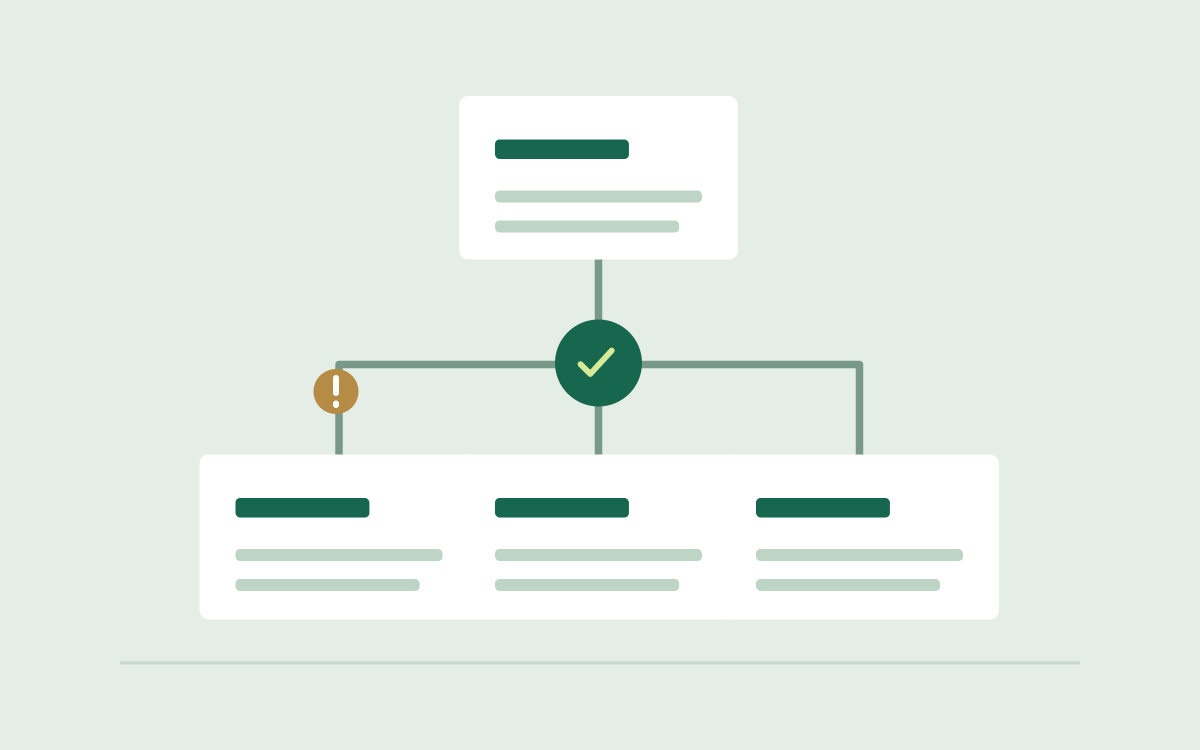
Group symptoms by the change required
Several product URLs may share a navigation or template defect. Treating each URL as an unrelated ticket can hide the efficient repair. Group issues by the component, content decision or operating process that owns them. Then list representative affected pages and any exceptions. This helps a developer or content editor understand the reach of a change before publishing it.
Do not merge issues merely because the tool gives them the same label. Missing information on a service page may require business review, while a missing field on a product template may require development. The right grouping is the one that gives a responsible person a coherent task with a clear completion state. Preserve exceptions where the repair should differ.
Build an action register
| Register field | Purpose |
|---|---|
| Observation | Describe the issue and a reproducible example |
| Consequence | Explain the customer or discovery problem |
| Scope | Identify affected templates, sections and exceptions |
| Owner | Name the person who can complete the change |
| Dependency | Record access, approval or another task required first |
| Acceptance | State what will be observed after release |
| Status | Distinguish waiting, implementing, reviewing and accepted |
Use ordinary language in the consequence column. “Customers cannot find the replacement parts category from the main menu” is easier to act on than a vague health score. The acceptance column should describe a check, not repeat the task name. For example, a repaired form needs a successful controlled submission and a verified destination, not just a screenshot of a button.
Prioritize the next releasable group
Choose a small batch that can be completed with available capacity. Consider commercial importance, reach across the site, confidence in the diagnosis and the effort needed to implement. A low-effort task is useful only if the task itself matters. A high-impact issue may deserve investigation even when the first step does not immediately produce a visible page improvement.
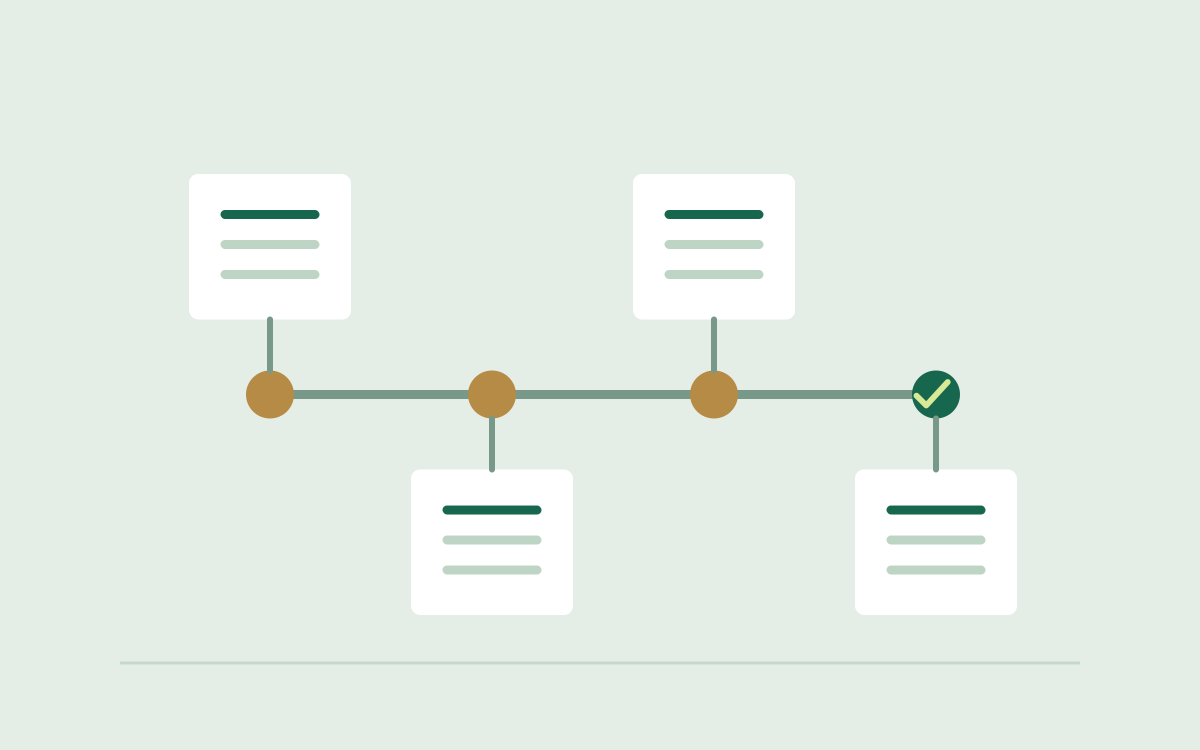
Explain dependencies before setting dates. A new page layout may need approved content before development can finish. A redirect plan may depend on the final URL inventory. When the order is wrong, teams can repeatedly redo work. The action plan should make the next releasable group obvious and keep later opportunities in a separate backlog.
Work through an illustrative finding
Suppose an audit flags many category pages as difficult to reach. Investigation shows that a mobile navigation change removed an important category group. The task is not to add unrelated links to every page. It is to restore a coherent navigation path, review the affected category templates and verify that a customer can reach useful products from the homepage.
The developer owns the navigation change, merchandising approves the labels and the acceptance check follows the real phone journey. The audit can then record what changed and what remains uncertain about search performance. This is an example of converting a symptom into a defined task; it does not claim that one navigation change guarantees more sales or rankings.
Close the loop after implementation
Review the released version, including representative exceptions. A task can pass a development check and still fail in the actual public journey. Record the observation, release date and any remaining follow-up privately. If the original diagnosis was wrong, revise the issue rather than repeatedly applying the same proposed repair. The purpose is a reliable website, not a tidy-looking checklist.
Use the technical prioritization guide to order shared website fixes and the first-quarter plan to arrange a realistic sequence. When implementation capacity is the missing piece, compare SEO agency services or request a quote that clearly includes the work needed to publish and verify changes.